 Download 0.65.0 · 251 MB
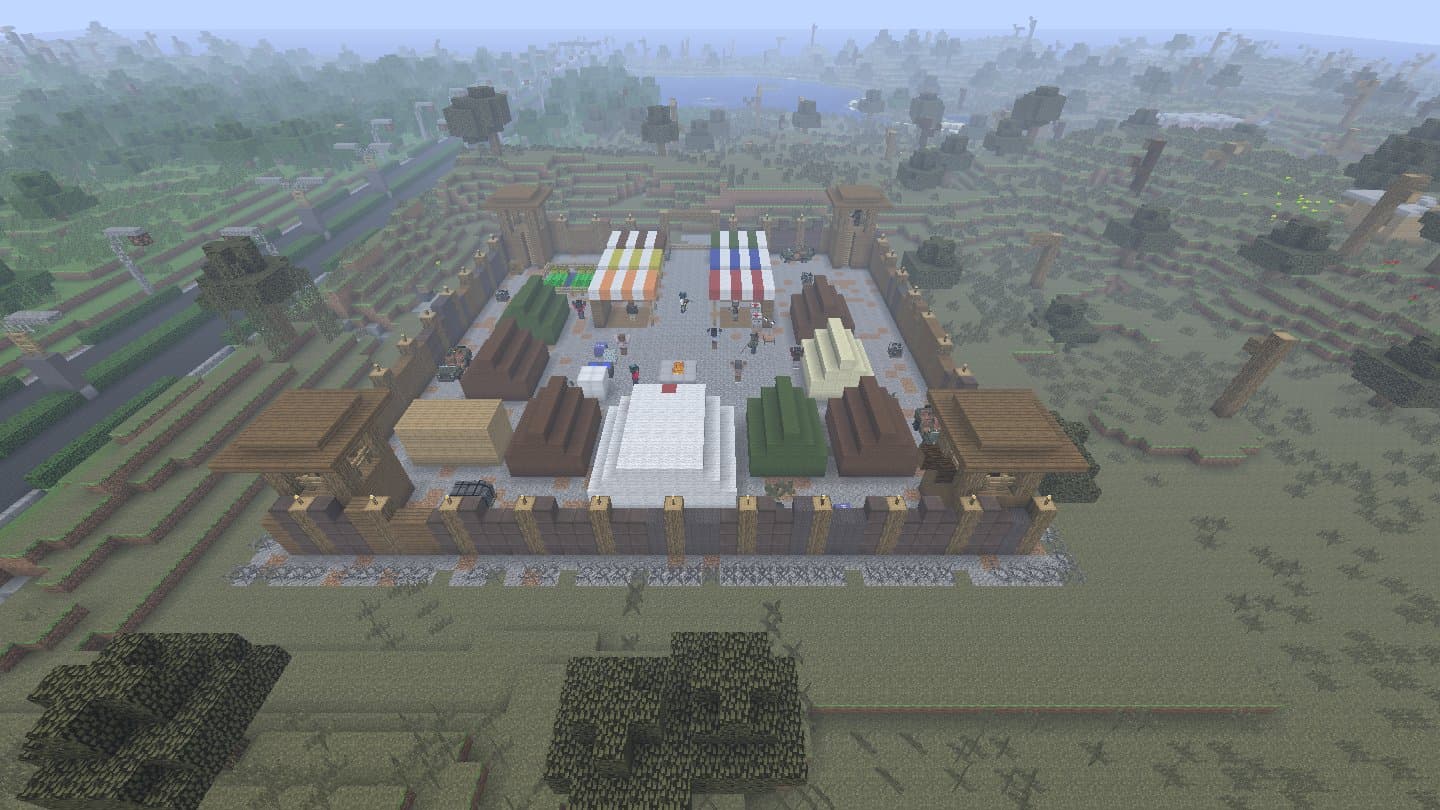
Safe zones
Survivor camps and city refuges with traders, guards and a clinic.
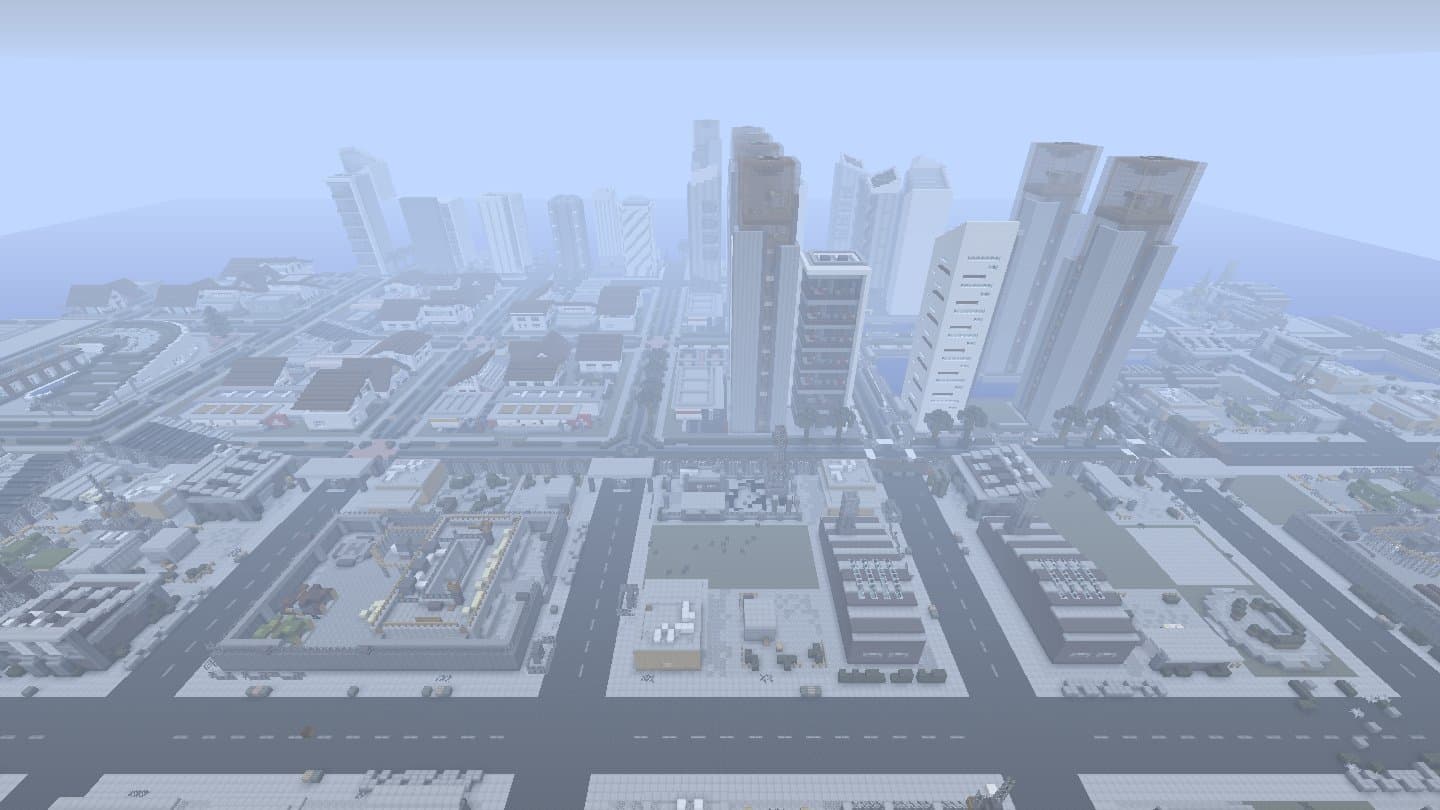
Seen in game: a generated city from above
Minecraft 1.7.10 · unofficial

About

Decimation is BoehMod's zombie apocalypse mod for Minecraft 1.7.10: loot crates and car wrecks, guns and attachments, traders and bandits, military zones, and survival bars for food, water and blood. It was built around BoehMod's own servers, and when they closed, much of it stopped working.
DeciRemnant brings it back. It fixes everything that waited for those dead servers, so the whole mod runs in singleplayer and on your own server, and it adds what an abandoned world needs: generated cities, military bases and airports, safe zones, smarter soldiers and new guns.
Coming in 1.0.0
Host your world from your own game, and friends join it from the Community page in the game. No server to rent, no port forwarding, no money.
Play your world as always, press Esc and pick Host Online.
Name it, pick who can join and how many, then Start hosting. Your world shows up on the Community page for everyone.
They open the Community page, see your world with its ping and players, and click Join.
| Who can join | Mojang accounts only, or any account: the host picks. |
|---|---|
| Players | 2 to 8 per world, the host picks. |
| Commands | Only the host, never the players who join. |
| Mods | Everyone needs the same mods and version; the Community page shows what a world needs. |
| Ping | Tested with a friend on another laptop: 150 to 270 ms, smooth. |
| Cost | Free. The connection goes through our relay on a free plan, shared by everyone; on a very busy day it can be full until 07:00 WIB. |
Built and tested, not released yet. No date: it ships in 1.0.0, together with the new cities. Watch the releases on GitHub
Singleplayer

Decimation left the loot, the zones and the supply drops to its servers, so in singleplayer they never ran. Now they do.
World

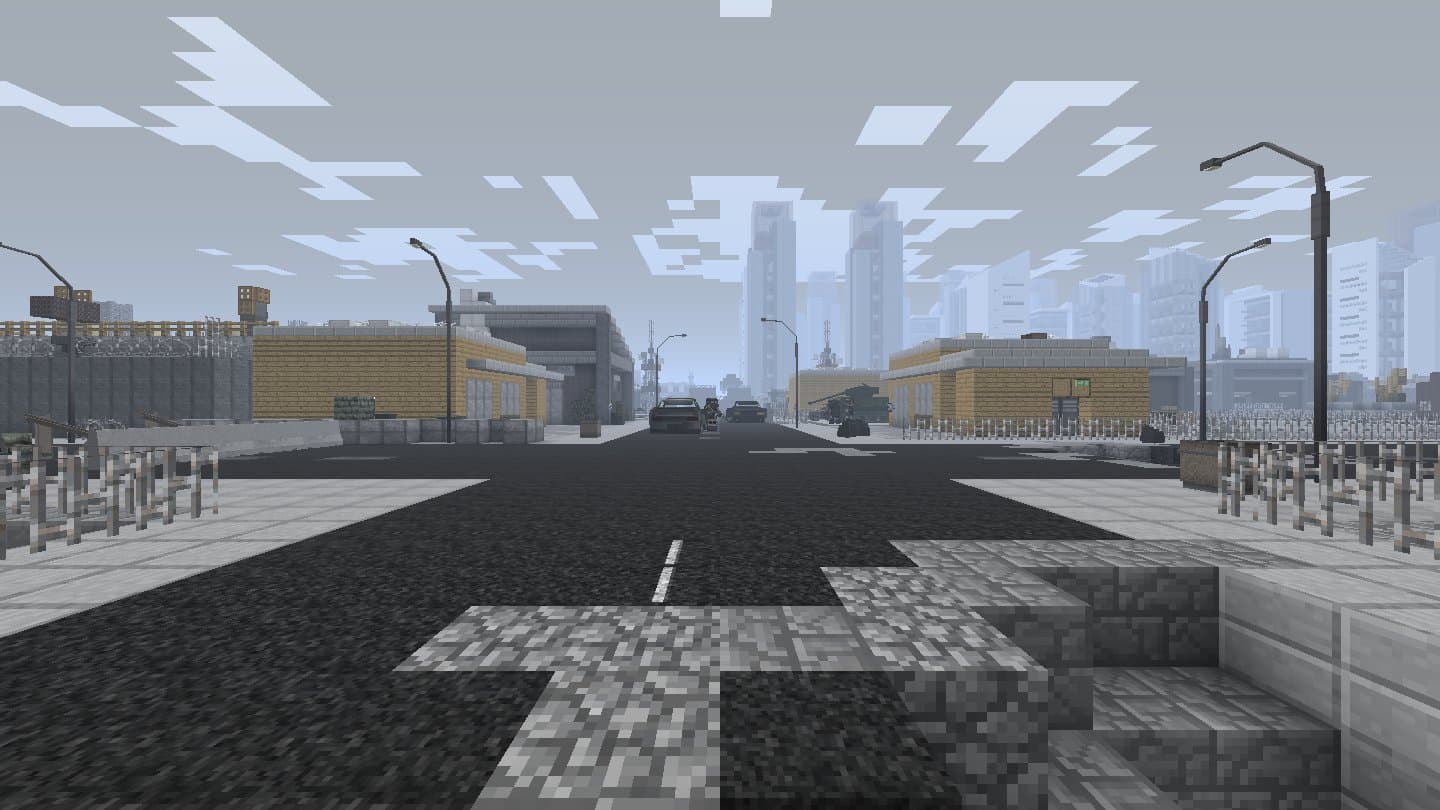
The new world type Decimation builds whole cities as you explore, filled with Decimation's own props: towers, offices, shops and homes on real streets.
Arsenal

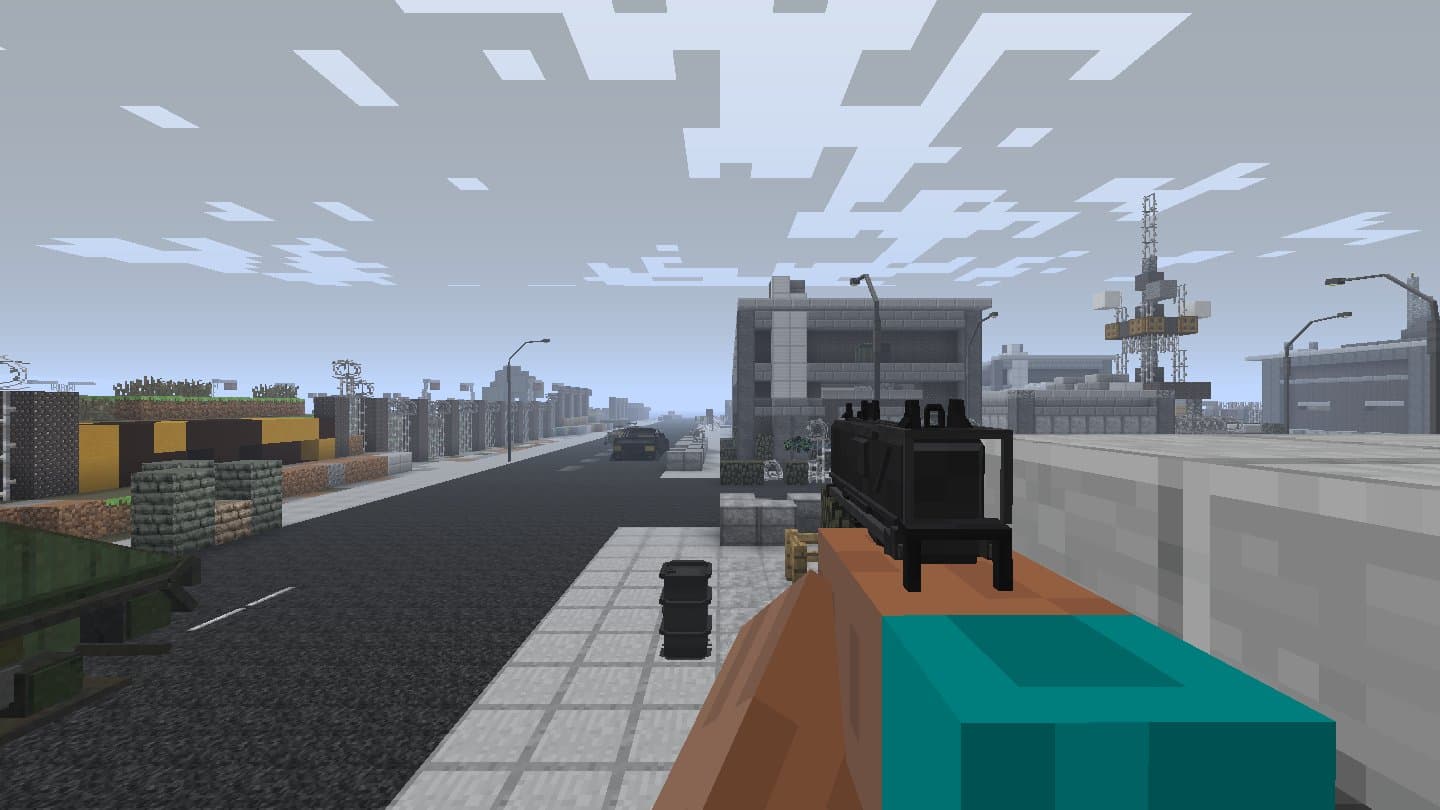
Our own guns, built part by part the way Decimation's are, with its animations and attachments. Soldiers and bandits carry real loadouts by rank, so a patrol's weapons tell you how dangerous it is.
What it adds
Survivor camps and city refuges with traders, guards and a clinic.

Military bases in three sizes and airfields in wasteland cities, locked rooms and loot inside.

Ranks up to elites and juggernauts, with snipers and rocket teams. They hear your gunshots and come looking.

New kinds of infected, and a night frenzy: faster and harder hitting after dark.

The same jar runs a Forge server for your friends; the server guide has every step.

When a new version is out, the menu button says Update.
In the game
Coming soon
Loot in four levels by place and danger, and bodies you can search.
PlannedPolice survivors, and NPCs that take cover, flank and pull back to heal.
PlannedFive stages from the bite to the end, and the dead get back up.
PlannedMore and stronger infected from day 1 to day 100, and horde nights.
Planned
A friend who follows you, wears the gear you give and carries a backpack.
IdeaServers listed on this site and in Decimation's own server menu.
PlannedBukovka and Chernarus, our own servers, already waiting in the game's server list.
PlannedTalk about the game, show your builds, find people to play with and report bugs.
Open nowPlans, not promises: no dates.
Install
| Account | Minecraft Java Edition |
|---|---|
| Java | Java 8 (Prism Launcher can download it) |
| Memory | 4 GB for the game or more |
| Download | One file, Decimation.jar, 251 MB |
Get it from prismlauncher.org (Windows, macOS, Linux) and add your Microsoft account.
Add Instance, pick version 1.7.10, then Mod loader: Forge, version 10.13.4.1614. Name it Decimation.
Edit the instance, Settings, Java: Java 8 (Prism 9 or newer downloads it by itself), and set Maximum Memory Usage to 4096 MB or more.
Download Decimation.jar above. Edit the instance, Mods, Add File, and pick it.
Launch. The first start takes a little longer. Decimation's own menu opens: click Play, then Singleplayer on the server page.
Create New World, More World Options, then click World Type until it says Decimation. Create New World.
Changelog
Singleplayer fixes and world generation for Decimation (Forge 1.7.10). One jar with everything.
Website with the install guide and the server guide: https://deciremnant.vercel.app/
mods/Decimation.jar with this Decimation.jar (remove any deciworldgen-*.jar too). The updater of those versions cannot find its own jar, so install by hand once.This release is about performance and stability.
Smoother play
Fixes
/gamerule doMobSpawning false also stops our NPC spawners.Unofficial fan project. Not an official Minecraft product; not approved by or associated with Mojang or Microsoft.
Singleplayer fixes and world generation for Decimation (Forge 1.7.10). One jar with everything.
Website with the install guide and the server guide: https://deciremnant.vercel.app/
mods/Decimation.jar with this Decimation.jar (remove any deciworldgen-*.jar too). The updater of those versions cannot find its own jar, so install by hand once.Unofficial fan project. Not an official Minecraft product; not approved by or associated with Mojang or Microsoft.
Singleplayer fixes and world generation for Decimation (Forge 1.7.10). One jar with everything.
Website with the install guide and the server guide: https://deciremnant.vercel.app/
deciworldgen-*.jar from your instance's mods/ folder.mods/Decimation.jar with this Decimation.jar.On 0.59.0 to 0.64.6: install this version by hand once. The in-game updater of those versions cannot find its own jar and stops with "this game does not run from a jar (dev folder)". From 0.64.7 on, the menu's Update button works: it downloads the next version, then Quit game (start the game again from your launcher) or Later (the update is put in place when you close the game).
Unofficial fan project. Not an official Minecraft product; not approved by or associated with Mojang or Microsoft.
Singleplayer fixes and world generation for Decimation (Forge 1.7.10). One jar with everything.
Website with the install guide and the server guide: https://deciremnant.vercel.app/
deciworldgen-*.jar from your instance's mods/ folder.mods/Decimation.jar with this Decimation.jar.Already on 0.59.0 or newer: the menu button says Update. Click it, wait for the download, then choose Quit game (start the game again from your launcher) or Later (the update is put in place when you close the game).
Create a new world with the world type "Decimation" to get the newest cities: city sizes, airports, wasteland gates and refuges only appear in worlds made with this version.
Unofficial fan project. Decimation belongs to BoehMod. Not an official Minecraft product; not approved by or associated with Mojang or Microsoft.
Singleplayer fixes and world generation for Decimation (Forge 1.7.10). One jar with everything.
deciworldgen-*.jar from your instance's mods/ folder.mods/Decimation.jar with this Decimation.jar.From this version on, updates come in the game: when a newer release exists, the menu button says Update instead of Play. Click it, wait for the download, then choose Quit game (start the game again from your launcher) or Later (the update is put in place when you close the game).
Create a new world with the world type "Decimation" to get the cities and the newest layouts.
Personal singleplayer project; Decimation itself belongs to BoehMod.
Help
A newer version is out. Click it, wait for the download, then start the game again.
Cities, bases and airports appear in new worlds made with the world type Decimation.
Lower the prop render distance in config/deciworldgen_props.cfg.
Post it in bug-reports on our Discord, or open an issue on GitHub, and attach logs/fml-client-latest.log. Known bugs are listed in known-issues there.
Get it
One jar for Forge 1.7.10. Make a world with the world type Decimation, and the menu tells you when the next version is out.