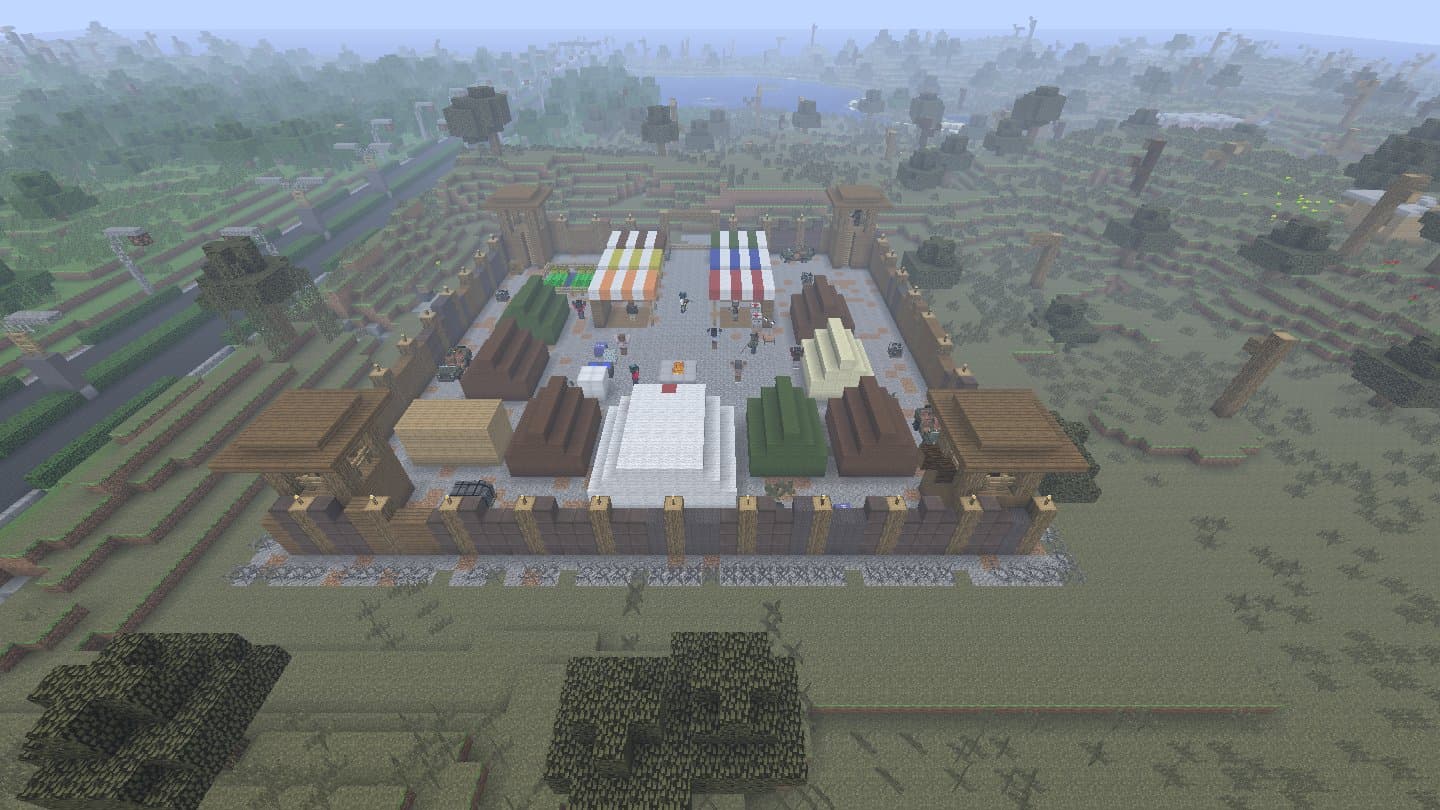
A Decimation server is Minecraft Forge 1.7.10 with one file in its mods folder: the same Decimation.jar your players use. Every step below was run on a fresh server.
Requirements
| Java | Java 8 |
|---|---|
| Memory | 4 GB for the server, set in the start command |
| Forge | Minecraft Forge 1.7.10, version 10.13.4.1614 |
| Mod | Decimation.jar, the same file your players use |
| Port | 25565 (TCP), open to your players |
Set up
Forge server
Download the Forge 1.7.10 installer (version 10.13.4.1614) into an empty folder and run it with Java 8:
java -jar forge-1.7.10-10.13.4.1614-1.7.10-installer.jar --installServerThe server installed successfully, you should now be able to run the file forge-1.7.10-10.13.4.1614-1.7.10-universal.jar
Add the mod
Make a folder mods in the same place and put Decimation.jar in it. Nothing else: the cities, bases and the rest are inside that one file.
First start
Start the server. It writes eula.txt, server.properties and decimation_server.properties (Decimation's own rules), then stops:
java -Xmx4G -jar forge-1.7.10-10.13.4.1614-1.7.10-universal.jar noguiYou need to agree to the EULA in order to run the server. Go to eula.txt for more info.
EULA and world type
In eula.txt change eula=false to eula=true. In server.properties add the line level-type=decimation: the world is made on the next start, and only a world made with it has the cities.
Start
Start it again. When the world is ready the console says so. Type stop there to save and close the server.
java -Xmx4G -jar forge-1.7.10-10.13.4.1614-1.7.10-universal.jar noguiDone (8.421s)! For help, type "help" or "?"
Join
Install the game
Each player sets up Minecraft with Decimation.jar by the install guide.
Other servers
In Decimation's menu click Play, then Other servers: Minecraft's Multiplayer screen opens.
Add the server
Click Add server, give it a name, type the server's address (localhost when it runs on the same computer), then Done.
Join
Pick the server in the list and click Join Server.
Update
The server
When a new version is out, type stop, replace mods/Decimation.jar with the new one and start again.
The players
Their Play button says Update: one click gets the new version. Players need the same version as the server, or the anticheat sends them away (see Problems).
Problems
Kicked: You've been kicked for having modified files!
Decimation's anticheat (on by default) compares every file in the player's mods folder with the server's. Give the player the same Decimation.jar as the server and no other mods, and delete an empty mods/1.7.10 folder (when there is one, only that folder is checked). To let players use other mods, set allowAdditionalMods=true in decimation_server.properties and restart. Server operators are never kicked by it.
You cannot break blocks on this server!
Decimation turns block breaking and placing off on servers, except fortification blocks such as sandbags. Set enableBlockBreaking=true and enableBlockPlacing=true in decimation_server.properties and restart.
Items on the ground cannot be picked up
Another Decimation server rule (bottlecaps still count): set enableItemPickup=true in decimation_server.properties and restart.
No cities on the server
The world was made before level-type=decimation was set. Set it, stop the server, move the world folder away and start again: the new world has cities.
Something wrong or missing on this page? Tell us on GitHub.