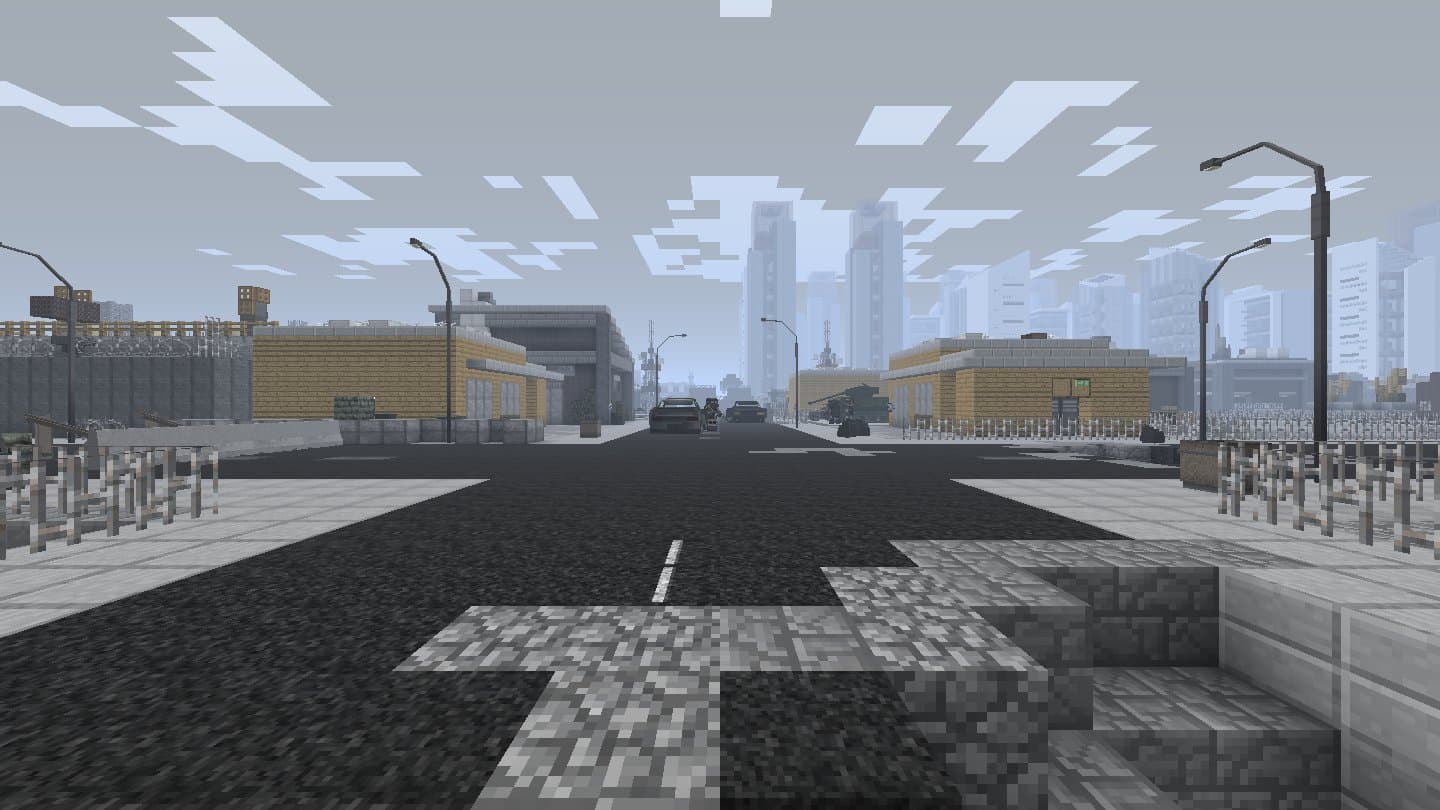
Install Decimation with DeciRemnant for Minecraft 1.7.10 in a launcher, step by step, for a first time player.
Requirements and steps
| Account | Minecraft Java Edition |
|---|---|
| Java | Java 8 (Prism Launcher can download it) |
| Memory | 4 GB for the game or more |
| Download | One file, Decimation.jar |
Install Prism Launcher
Get it from prismlauncher.org (Windows, macOS, Linux) and add your Microsoft account.
Make a Forge 1.7.10 instance
Add Instance, pick version 1.7.10, then Mod loader: Forge, version 10.13.4.1614. Name it Decimation.
Java and memory
Edit the instance, Settings, Java: Java 8 (Prism 9 or newer downloads it by itself), and set Maximum Memory Usage to 4096 MB or more.
Add the mod
Download Decimation.jar above. Edit the instance, Mods, Add File, and pick it.
First start
Launch. The first start takes a little longer. Decimation's own menu opens: click Play, then Singleplayer on the server page.
Create the world
Create New World, More World Options, then click World Type until it says Decimation. Create New World.
Something wrong or missing on this page? Tell us on GitHub.